Spam can never be prevented completely, but a few everyday email habits can make your address less exposed and make your inbox’s filters more useful. These steps are for people using their own email app or account; they do not require server or administrator access.
Only give your address to organisations you trust, and check the address and website before submitting a form. For a newsletter or promotion you knowingly signed up for, use its unsubscribe link or preference centre. If an unexpected message looks suspicious, do not click its unsubscribe link: it may confirm that the address is active. Report it as spam instead.
Use Report spam, Report junk, or Mark as junk for unwanted messages that reach your Inbox. Deleting a message may remove it from your view without teaching the filter anything. If a genuine message lands in Spam or Junk, mark it Not spam or Not junk and, if useful, add that sender to your contacts. Check the Spam/Junk folder occasionally so you do not miss a message that was misfiled. For provider-specific steps, see “I am getting a lot of Spam, what can I do about it?”.
Blocking one address can help with repeat messages, but it may not stop a spammer who changes or spoofs addresses. Avoid blocking an entire domain unless you are sure you do not need legitimate mail from it.
Use a strong, unique password for your email account and turn on multi-factor authentication when it is available. Do not reply to suspicious mail, open unexpected attachments, or follow sign-in links in messages. Go to the service’s website or app yourself when you need to check an account. If your contacts say they received strange mail from you, review account security and contact your email provider or workplace support.
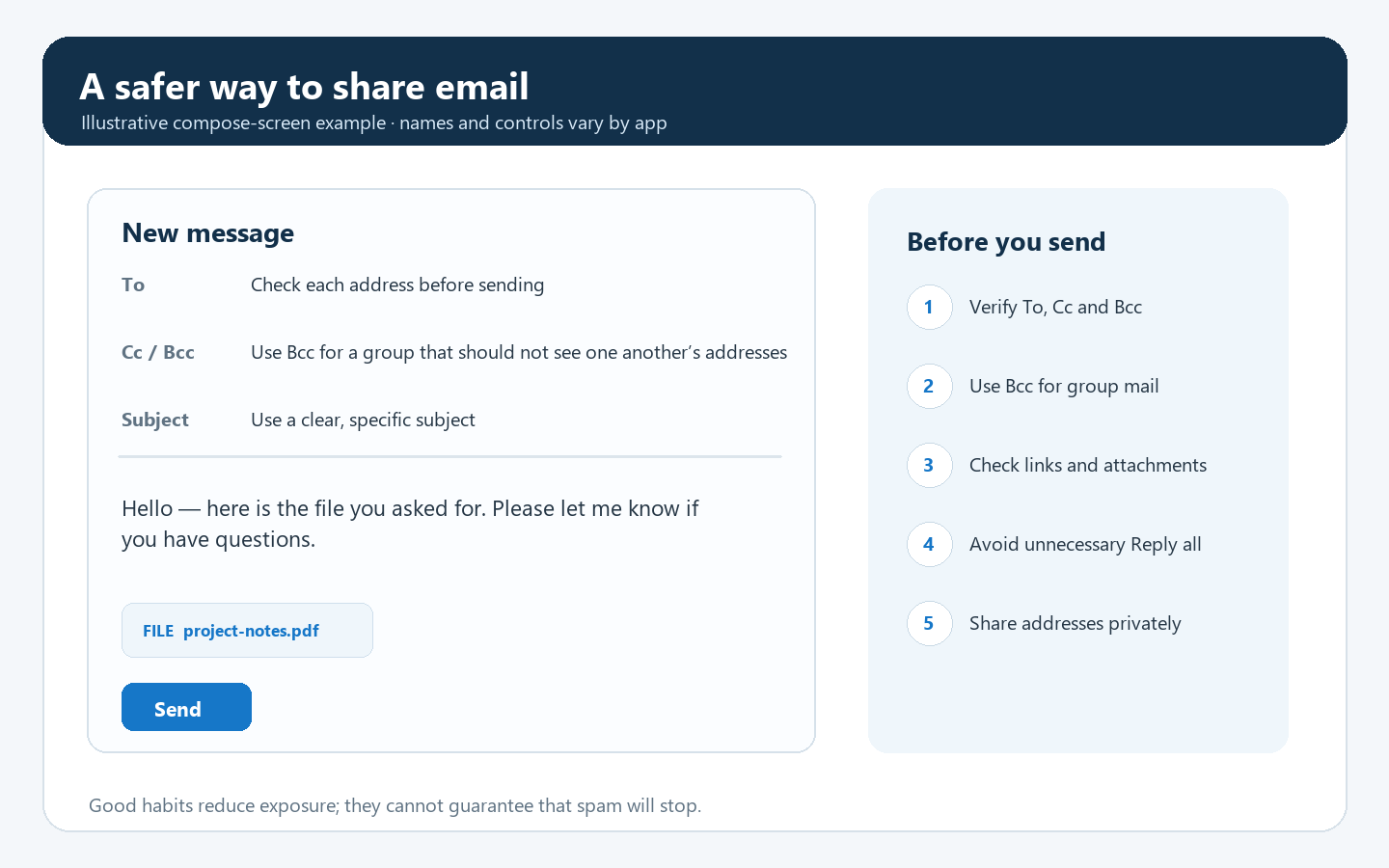
These habits reduce exposure and improve filtering, but they cannot guarantee that spam will stop.