You can report unwanted messages and teach your email app how to sort similar mail. Menu names change between desktop, web, and mobile versions, so look for Junk, Spam, or Report if a label below is slightly different. Do not open links or attachments in suspicious messages. Use an unsubscribe link only for a mailing list you recognise and meant to join.
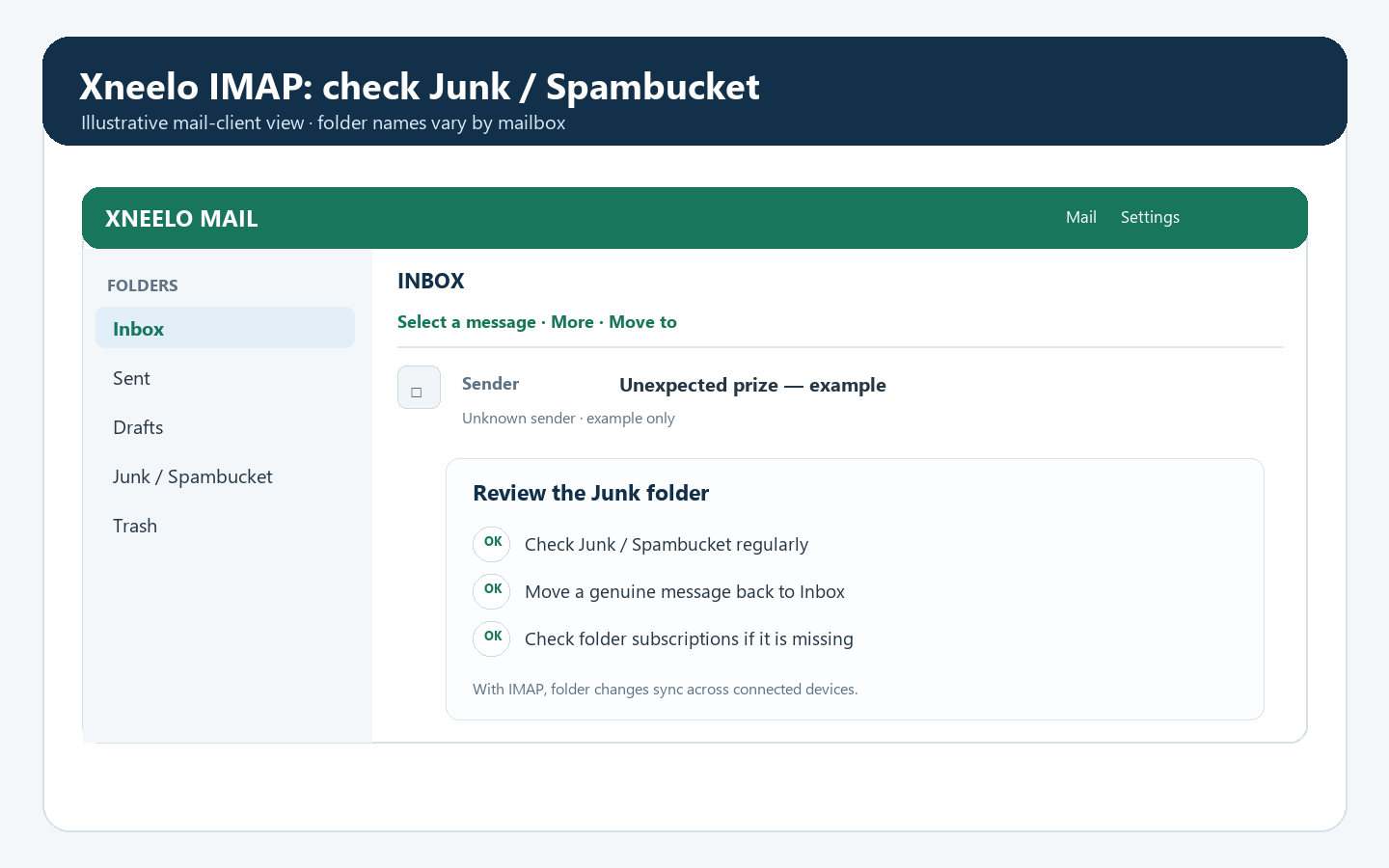
See xneelo’s guide to finding messages caught by its spam filter.
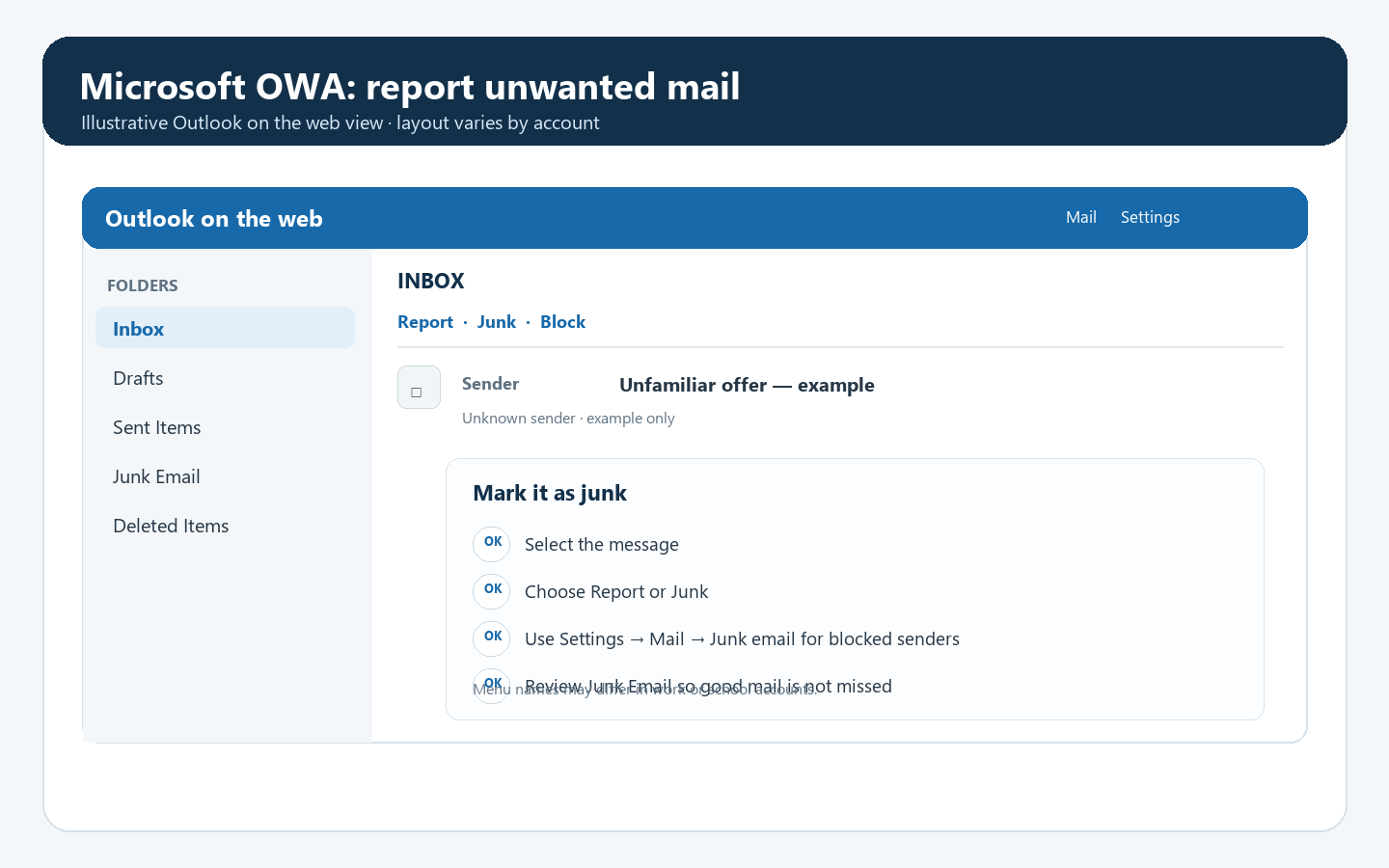
Microsoft’s current instructions: Filter junk email and spam in Outlook.
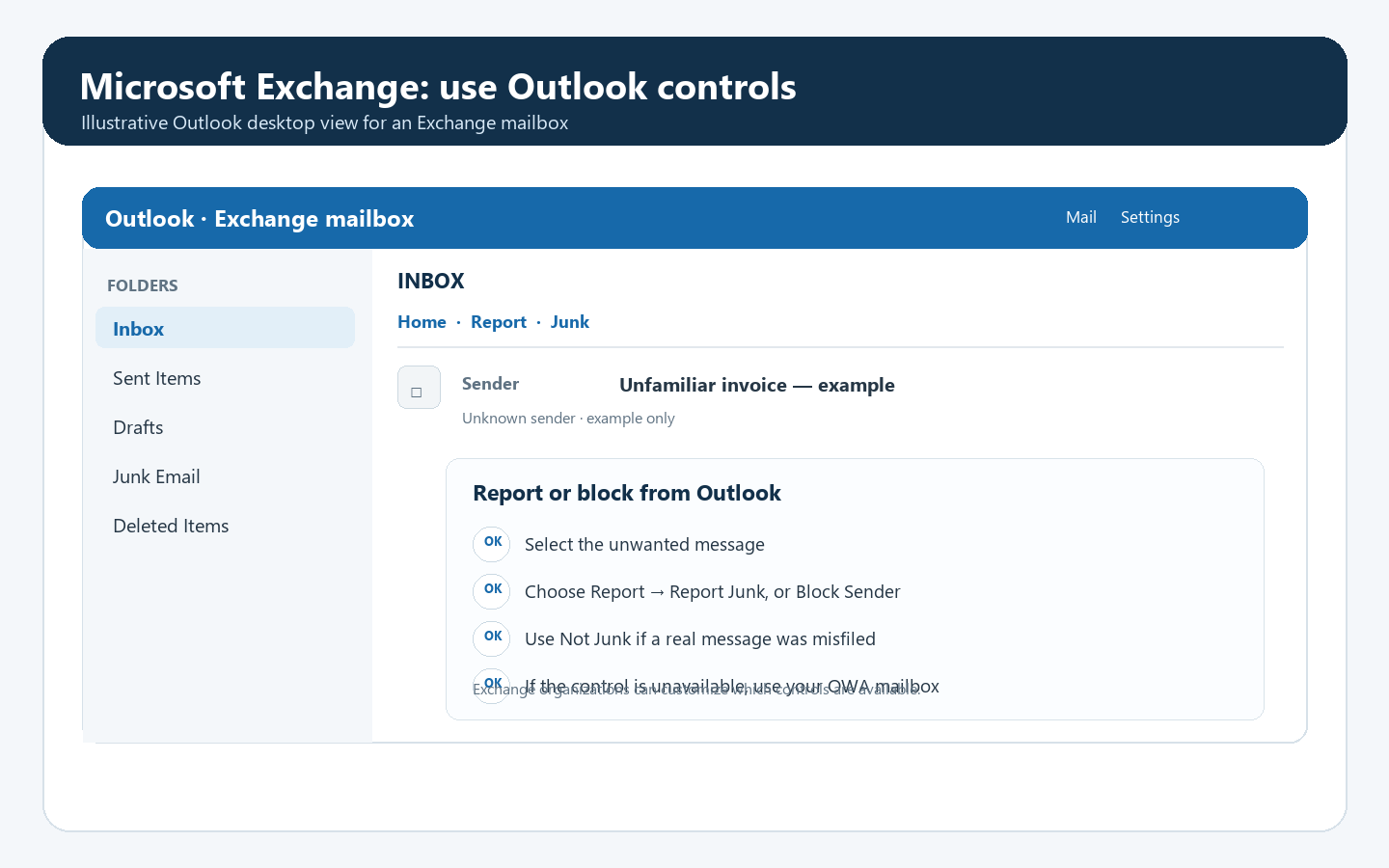
For an Exchange mailbox opened in Outlook, select the message and use Home → Report → Report Junk when that control is available. In some versions, right-click the message and choose Junk → Block Sender. Use Not Junk if Outlook misfiles a genuine message, and check the Junk Email folder occasionally. Your organisation may customise these controls; if they are missing, use OWA or contact your support team.
Microsoft’s instructions for the Outlook desktop app: Block a mail sender in Outlook.
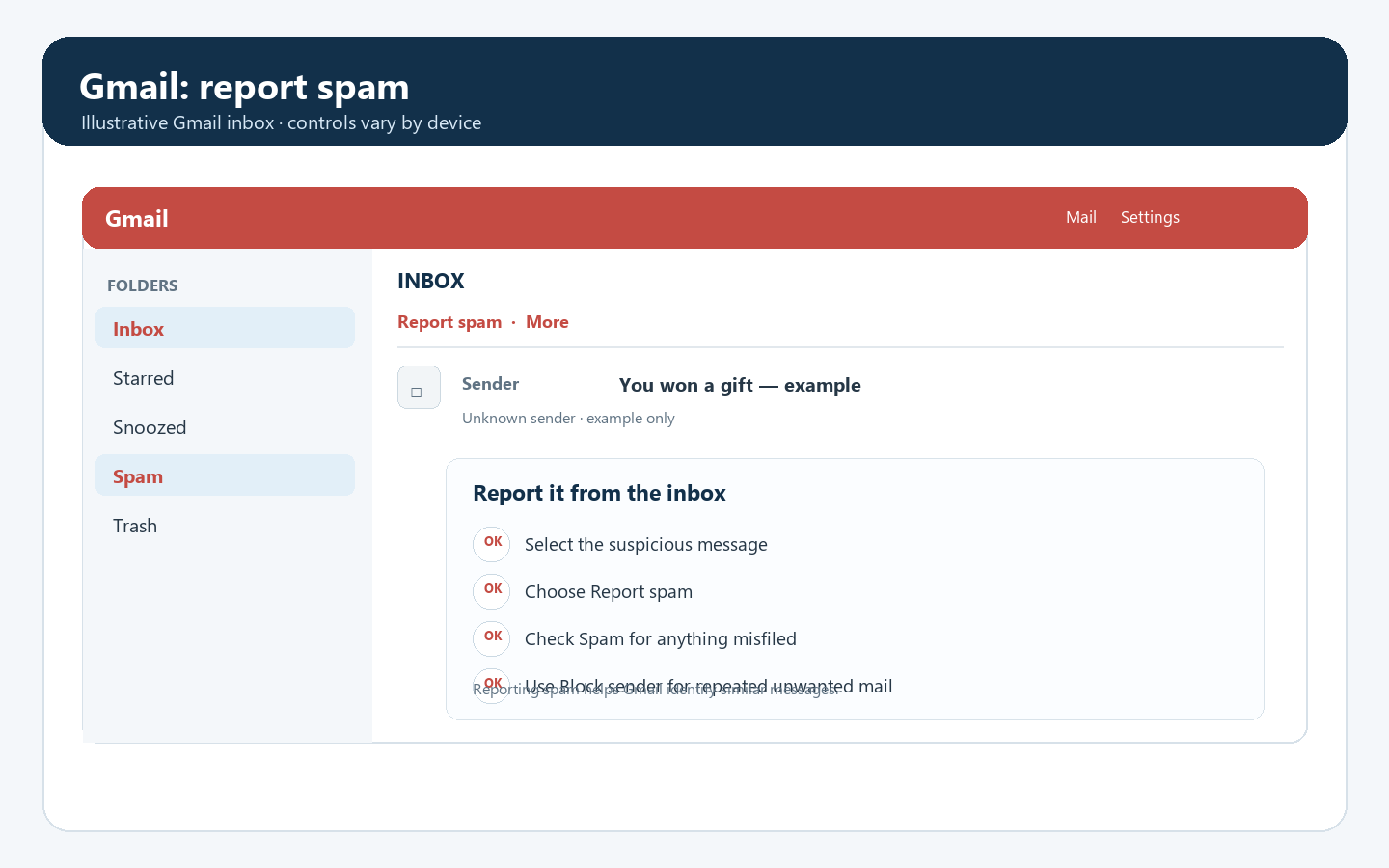
Google explains how to report spam and how to block a sender.
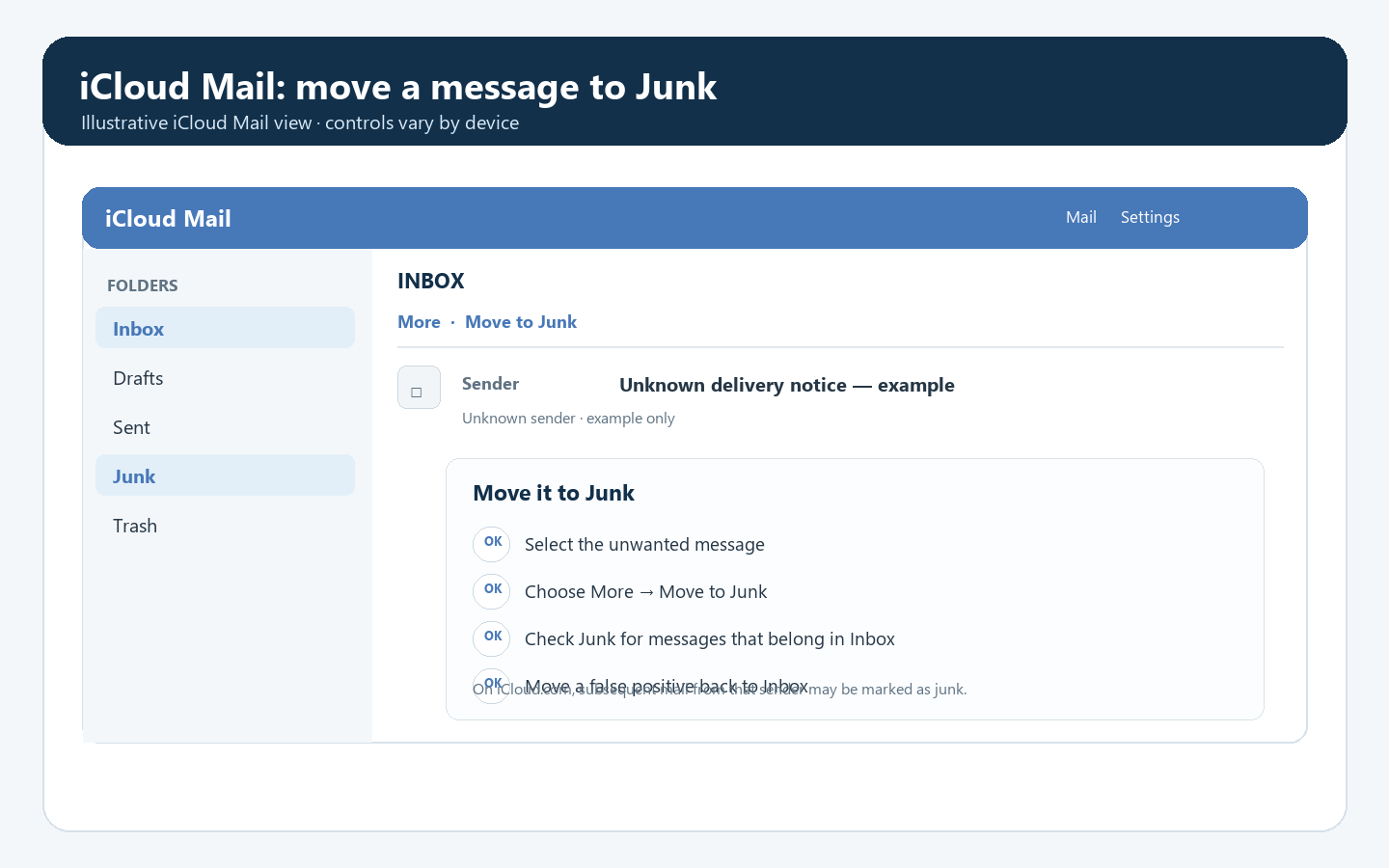
On iCloud.com, select the message, choose More, then Move to Junk. In Apple Mail on a phone, tablet, or Mac, use the message’s Move to Junk control. If a real email appears in Junk, move it back to Inbox. Apple notes that messages in the Junk folder are automatically deleted after 30 days, so check it regularly.
Apple’s steps for managing junk mail in iCloud.com.
Keep reporting the messages in the app where you receive them, and check both Inbox and Junk/Spam so you do not miss something important. If this is a work or school mailbox, your organisation may control some filtering settings; ask its support team to review the problem. For prevention habits that help reduce address exposure, see “How can I reduce my risk of getting spam emails?”.
The screenshots above are illustrative examples, not captures from a live mailbox. Exact labels and layouts vary by app and version.